A Cloudflare Proxy on Shopify Is Rarely Worth the Setup
A Cloudflare proxy in front of Shopify sounds like a free upgrade. For most solo stores it is not. Here is when it earns its keep.
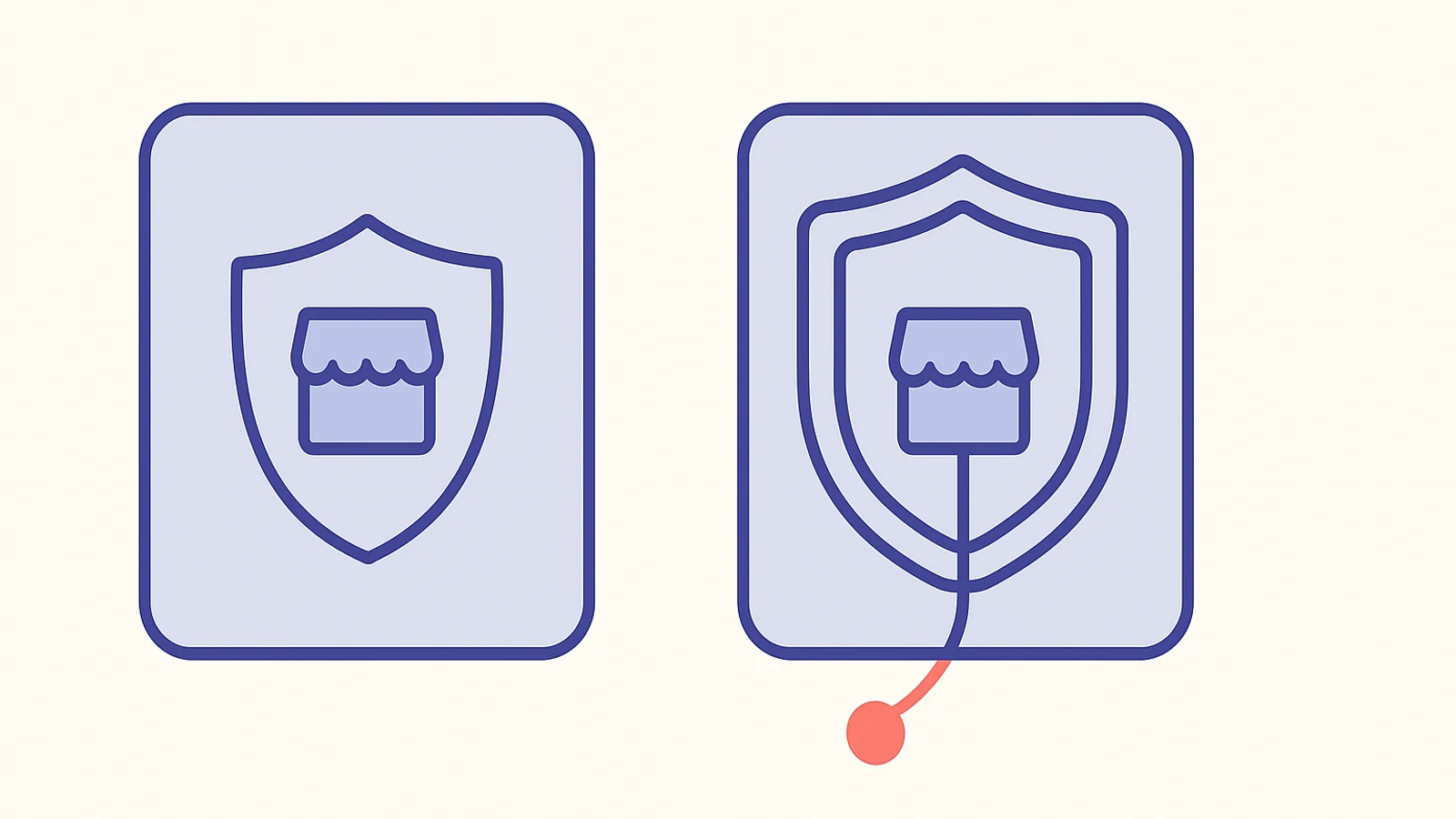
You read the Reddit thread where someone swears a Cloudflare proxy fixed everything in front of their Shopify store. You watched the YouTube walkthrough. You priced the Cloudflare Business plan at a couple hundred dollars a month. You even got as far as the Cloudflare dashboard, hovered over the Add Site button, and paused because something felt off.
Good instinct. For most Shopify stores, a Cloudflare proxy is not worth the configuration tax. The pitch is based on a mental model of the stack that is already wrong before you start.
Here is the honest version.
The reason everyone recommends it
The pitch sounds clean. Shopify is a hosted platform, Cloudflare is a CDN, so putting Cloudflare in front of Shopify should give you faster delivery plus a WAF plus country blocking plus bot defense. If you have ever managed a self-hosted site, this instinct is correct: putting Cloudflare in front is almost always a free upgrade.
The problem is that it is not free, and Shopify is not self-hosted. Shopify's own infrastructure already runs through Cloudflare at the platform level. Every store on a .myshopify.com domain or a custom domain is being served through a Cloudflare zone that Shopify owns and manages. You are not adding a CDN. You are adding a second Cloudflare zone claiming the same domain, which is a different problem than CDN acceleration.
Until June 2025, that overlap used to break stores outright. Cloudflare's self-serve Orange-to-Orange routing (O2O) now handles the zone collision cleanly for mutual customers, so the "it will not work" objection has been retired. The newer objection is more boring: it works, and it still does not help most stores.
Two Cloudflare layers do not stack
The question I ask merchants who want to proxy their store is simple: name the specific feature you need that Shopify's own Cloudflare layer does not already give you. Most cannot. The ones who can usually name one of four things: country blocking, custom WAF rules, rate limiting, or AI crawler visibility.
Performance is not on that list, and it should not be. Measured response times after a correctly configured O2O setup land in the 150 to 200 ms range, essentially unchanged from Shopify-only delivery. The first Cloudflare layer is already doing the CDN work. Adding a second one does not make the first faster.
What the second layer does add is operational surface area. Shopify's TLS renewal runs over HTTP to a /.well-known/acme-challenge/ path. If you leave Cloudflare's Always Use HTTPS turned on, which is the default on every new zone, that path gets 301'd before Shopify's origin ever sees the ACME request. Your certificate silently fails to renew. Months later a browser warning locks every visitor out, and the trigger is a checkbox you ticked when you set the zone up. The curl check is one line (curl -I http://your-domain.com/.well-known/acme-challenge/test), and the answer must be a 404, not a 301. If you forget to run it, you find out from a customer.
Apple Pay has a similar failure mode. One merchant on the Shopify Community (handle PLUMBING4HOME, January 2026) set up a Cloudflare proxy via CNAME, successfully knocked out the bots abusing their cart, and discovered Apple Pay express checkout had quietly stopped working. The cause was Apple's domain verification path being intercepted. They had to pick between the two defenses. The thread never produced a confirmed fix.
I once spent an afternoon helping a merchant chase an SSL warning that turned out to be exactly this chain: a Cloudflare proxy added six months earlier, Always Use HTTPS left on, cert renewal failing in silence. The merchant did not remember changing anything. The fix took two minutes. Finding the cause took three hours. That three hours is the cost nobody prices into the setup.
The .myshopify.com hole no proxy can plug
If you are considering a Cloudflare proxy for bot protection and nothing else, the honest answer is: it works on half the traffic, and the half it does not cover is the half you care about.
A Cloudflare zone can only enforce rules on the domain you point at it. Your custom domain, yes. The .myshopify.com subdomain Shopify owns, no. Bots that target your store at the .myshopify.com URL skip your Cloudflare rules entirely, and they do not show up in Cloudflare logs either. One Shopify Plus merchant documented Singapore sending 16,000 sessions with a 99 percent bounce rate and zero orders - all of it invisible to Cloudflare because none of it ever hit the custom domain.
A documented April 2026 attack took this to its endpoint. Five hundred fake cart additions per hour, every one of them routed through .myshopify.com. hCaptcha, reCAPTCHA, Cloudflare Challenge Mode, country blocking, ASN blocking, premium bot apps - every defense at the custom-domain layer failed because the bots never visited the custom domain. The only setting that stopped the attack was mandatory customer accounts before checkout, which immediately disqualified the store from Google Shopping ads. That trade-off is the real one. "Pay Cloudflare two hundred dollars a month" is not.
Another merchant (Nancy88 on the Shopify Community) paid for a Cloudflare Business plan explicitly for this. Cloudflare's own technical team confirmed the bots were on .myshopify.com and the plan could not help. The Business plan: refundable, probably. The research time: not.
If you want the longer walkthrough of what to actually do during one of these attacks, I wrote through it in how to fix Shopify checkout during a bot attack.
When a Cloudflare proxy earns its keep
I want to be fair to the setup, because the setup is not useless. There are three reasons that justify the overhead:
-
Country blocking at the WAF level. If your store is getting hammered by traffic from countries you do not sell to and you want it off the custom-domain path before it ever reaches analytics, Cloudflare's free tier handles this in about 15 minutes. One r/shopify merchant walked through the setup with ChatGPT guiding each step. Sessions from the blocked countries fell within hours. This is the one use case where the answer "yes, put Cloudflare in front" is right.
-
AI crawler visibility. GPTBot, ClaudeBot, and PerplexityBot do not run JavaScript, which means they do not fire GA4 or Shopify Analytics beacons. Only Cloudflare edge logs catch them. If knowing which AI shopping agents are indexing your product pages matters to your SEO roadmap, edge logs are the only way to see it. One caveat worth flagging: Cloudflare's July 2025 default now blocks these crawlers unless you opt back in. You have to go into Security > Bots and actively allow them, which the merchants who signed up for the visibility rarely remember.
-
Meta Ads learning poisoned by bot add-to-cart signals. Bot Fight Mode helps specifically here, because Meta's audience algorithm treats bot add-to-carts as positive signals and optimizes toward more bot traffic. A merchant on r/shopify (steve_man_64) saw a drastic drop in add-to-carts after enabling it and was waiting on Meta's learning to recalibrate. If your Clarity recordings show bot sessions in the double-digit percent range, this is a smaller use case where a Cloudflare proxy pays its own way.
Twenty-five-plus established brands run Cloudflare O2O in front of their Shopify stores in production. Mejuri, Ruggable, and Hodinkee are the public examples. They have engineers who monitor TLS renewal, review SSL mode on every change, and have paid support contracts on both sides. If that is your operation, the setup works. If you are the sole operator of your store, the operational cost is higher than the headline suggests. I have not tested the setup on a Shopify Plus store in the last six months, so if your Plus engineers tell you otherwise about O2O stability, listen to them.
What are you actually trying to fix?
If the answer is "my store feels slow," a Cloudflare proxy will not help. The scripts loaded by the five apps you forgot you installed will, and that is work you can do today without touching DNS. The help1 app will tell you which scripts are tanking your score. If you want a second pair of eyes on the scan before you touch Cloudflare at all, that is exactly what help1's expert chat is for - the first 15 minutes are free, and a lot of these conversations end before the paid part starts.
If the answer is "my analytics are poisoned by bot traffic," Cloudflare country blocking helps on your custom domain and does nothing for .myshopify.com, so run it alongside GA4 with bot filtering, and read the Shopify Analytics session count as directional rather than exact.
If the answer is "I want a WAF, I want rate limiting, I want to see AI crawlers, and I have the attention span to monitor TLS renewal," you have a real reason. The June 2025 fixes make the setup technically viable. Go ahead.
If none of those is your answer, what exactly are you buying Cloudflare for? That is the question worth sitting with before you touch DNS.
Still stuck? Talk to an expert.
Our vetted Shopify experts can fix this issue for you in a live session. $39 per session. Your first 15 minutes are free.