A Removed SEO App Was Still Writing My Shopify Meta Titles
Your shopify meta titles say one thing in admin and another in the live HTML. Usually it is an SEO app you thought you uninstalled months ago.
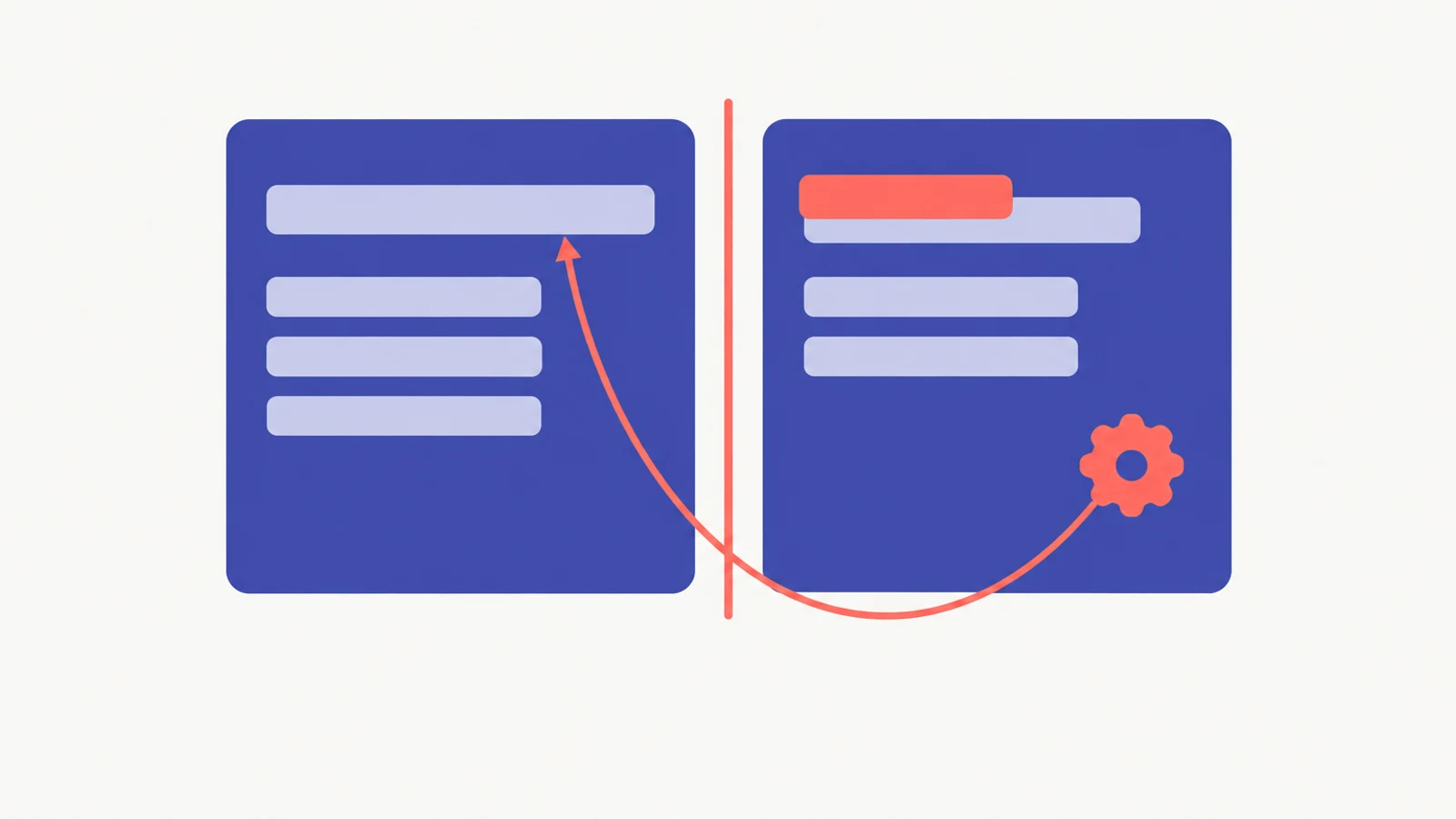
Push CMD+U on a product page from a store where you removed an SEO app at some point in the last two years. Search the raw HTML for the app's name - "avada", "booster", "yoast", "smartseo", "pluginseo". If anything matches, the app did not really leave. The Liquid it injected into your theme is still rendering your page titles on every request, and Shopify admin's search-engine listing preview will keep cheerfully showing you the titles you saved while Google crawls something else entirely.
I spent three days last month chasing exactly this on a merchant's store. Here is what I checked, where I was wrong, and what the live code was quietly doing the whole time.
What I checked first, and why the admin lied
The merchant wrote to me saying her product pages were ranking for terms she had never written. She sent two screenshots. The first was her Shopify admin, showing the careful title she had saved for a top-selling product. The second was a Google snippet pulling a title that referenced a payment-method name on every page of her store. Not just one page - every page.
My first check was the one she had already done. I opened the product in her admin, scrolled to the Search Engine Listing Preview panel, confirmed the title was what she said it was, and saved it again. Then I waited five minutes and refreshed Google's cached snippet. Nothing changed.
So I opened the product page in an incognito tab and pressed CMD+U. Inside the <head> block, the <title> tag read exactly the garbage Google was showing. Not "American Express" word for word, but the same structured text pattern Google was pulling. The admin was telling me one thing. The live HTML was telling me another. And the admin had no indication there was a gap.
This is the part I had been wrong about for about two years. I used to tell merchants the admin preview was the source of truth for their shopify meta titles. It is not. The admin preview reads from the stored metafield values. It does not read what the live theme actually prints. For almost every store those two values are identical. For a store with legacy SEO app code still injected into theme.liquid, they can run independently for a year.
Where the trail went cold on App Embeds
The merchant insisted she had uninstalled every SEO app on the store. She was right. I pulled a list of her installed apps, cross-referenced it against the Themes dashboard, and ran App Embeds under Online Store > Themes > Customize > App embeds. Clean. No SEO app embeds enabled. Nothing suspicious under installed apps.
I spent maybe forty minutes on this trail and found nothing to act on. The App Embeds panel does not list apps whose code was injected directly into theme.liquid. It only lists apps using the newer Theme App Extensions system, which shipped around 2021-2022. Any SEO app installed before that era, or any current app that chose the legacy injection path on purpose, is invisible to the Embeds panel. A clean Embeds panel means nothing about a clean theme.
I would have stayed stuck here if a Shopify Partner named Maxime had not laid this out in a community thread I read later. Credit where it is due. The modern tools do not surface the old mess.
The snippet file that still thought the app was running
The next check was the one that cracked it. I opened the theme code editor (Online Store > Themes > Edit code) and ran a search for "avada" across all files. Four hits. One in layout/theme.liquid - a single line that read {% include 'avada-seo' %}. Three in the snippets folder - avada-seo.liquid, avada-seo-status.liquid, and avada-seo-font-display.liquid.
The snippet called avada-seo-status.liquid is the app's own on-off switch. If the app had been disabled on uninstall, this file would contain something like {% assign avada_seo_enabled = false %}. I opened it. It read {% assign avada_seo_enabled = true %}. Hard-coded to true. The merchant had uninstalled AVADA SEO Suite the previous November. The file had been sitting in her theme for eleven months, politely answering "yes, I am on" to every page request.
The include block in theme.liquid was rendering avada-seo.liquid on every request. That snippet was looking at avada_seo_enabled, seeing "true", and overwriting the native <title> output with its templated version. For pages where the template had a product bound, it pulled from product metafields. For the homepage, for a few collections with missing data, and for anything where its primary data field was blank, it fell back to the first readable string it could find in structured-data blocks. On those pages, a payment-method name happened to be the first candidate, because of a Shop Pay structured-data block the app had been reading.
The admin kept showing her the titles she had saved. The theme kept printing something else. Nothing warned her because nothing in the default admin surface checks for this gap.
What I nearly missed about the uninstall order
The fix seemed obvious: delete the AVADA snippet files, delete the include block, be done. I did the obvious thing first and almost broke her storefront.
If you delete avada-seo.liquid from the snippets folder while {% include 'avada-seo' %} is still in theme.liquid, you get a visible Liquid error on every page load. The exact string is Liquid error: Could not find asset snippets/avada-seo.liquid. The storefront keeps rendering - this is not a full outage - but the error text appears in the page HTML and, on some themes, in the rendered layout where any customer can see it. An April 2022 Shopify Community thread documented the same pattern for SEO Booster, down to the matching error text.
Order matters. Remove the include line from theme.liquid first, save, then delete the snippets. The merchant and I lost about an hour to this because I had edited snippets-first on my initial pass against the duplicated theme. I was in a hurry, and the AVADA cleanup documentation I was half-remembering had the steps in the other order.
If you want a second pair of eyes on this before you touch your own theme, the first 15 minutes with a help1 expert is free and that is usually enough for this specific problem. We have run the AVADA, Yoast, and SEO Booster cleanups enough times that we know where the trip wires sit.
What it actually was
The pattern I eventually documented was this: Shopify revokes an app's API credentials at the moment of uninstall. The uninstall webhook, which is where the app would normally fire its own cleanup code, arrives at the app's server after the credentials are already gone. The app learns of its own death too late to touch the Liquid it wrote into your theme. Everything the app put into theme.liquid, everything it put in the snippets folder, and sometimes entries in config/settings_data.json, all of it stays in place and keeps executing. This is not a bug in a specific app. It is a structural consequence of how Shopify manages app permissions on uninstall.
At least six SEO apps I have confirmed exhibit this behaviour on current Shopify stores: AVADA SEO Suite, Yoast SEO, Smart SEO, Plug In SEO, SEO Booster, and Booster AI SEO. There are probably more. The ones I named are the ones that come through help1's chat regularly. The newer Theme App Extensions framework does clean up on uninstall, so apps built on that framework after roughly 2022 should behave correctly. Anything installed before that, or any current app that chose the legacy injection path, will leave code behind.
The failure modes vary enough to matter:
- AVADA leaves an active snippet with a hard-coded "on" flag. Your shopify meta titles keep getting overwritten silently.
- Yoast leaves "Auto-disabled" comment wrappers around the native title tag. The native code is still present but is commented out, so the page renders with no title tag at all. Browser tabs show the URL.
- SEO Booster leaves a dangling snippet reference that produces a visible Liquid error if you clean it up out of order. In one April 2023 App Store review, it also left every product tab reading "Facebook" as the page title across the entire store after uninstall.
- Booster SEO leaves a residual entry in Translate & Adapt that its own developer described, in a September 2026 App Store reply, as "a cached database field that is inactive once the Liquid files are removed." If you are running Shopify Markets or any multilingual setup, that entry is a third place to check.
I have not tested whether the Translate & Adapt residue affects Markets stores in any observable way after you remove the Liquid. The developer says it is inactive. I would still delete it on principle, because trusting a developer's reply over a quiet database record is how merchants end up back in my chat window six months later.
The admin preview panel surfaces none of this. The most reliable diagnostic I have found is to compare "View Crawled Page" in Google Search Console's URL Inspection tool against your Search Engine Listing Preview in admin. If those two strings do not match, your shopify meta titles are being rewritten somewhere, and the most common somewhere is a theme file left by an app you were sure you had removed.
What I do about this now
For every merchant I onboard who mentions they had an SEO app installed at some point, my second question is which app and when they removed it. The first question is what theme they are on. Then I open their theme code editor and search for the six names above. One match is enough to start the cleanup.
If the match is AVADA, Smart SEO, or SEO Booster, there is a manual cleanup that works reliably if you follow the include-first-then-snippets order. Yoast has its own path that I prefer to the manual one, because Yoast's own documentation describes it: reinstall Yoast, do not start a subscription, choose "Remove theme modifications", then delete. Plug In SEO is the awkward one. Their support has done cleanups via email for merchants who ask, but the response rate on that email has been inconsistent through 2026. For Plug In SEO, manual removal is faster than waiting.
After a cleanup, I run three checks on the duplicated theme before publishing. View Page Source on three live pages and compare the <title> tag against the saved admin title for each. Request indexing in Search Console for the homepage, one collection, and one product. Then check the page source for duplicate <title> or <meta name="description"> tags - two SEO apps running concurrently can leave both their templates in place, and the Rich Results Test will flag duplicate structured data where a human scan of raw HTML will miss it entirely.
If you want to catch this pattern before it costs you organic traffic you do not notice losing, help1's diagnostic app scans the live rendered title tag against your stored SEO title on a sample of pages and flags the gap. We built that check into the scan specifically because this is one of the most common silent regressions we see on stores more than a year old. Your shopify meta titles should match what the theme prints. If they do not, you want to know.
Every merchant I have met has been told that uninstalling an app removes it. For the six SEO apps above, uninstalling just moves the app's card off a dashboard and leaves its Liquid running in the theme. Check the theme, not the admin.
Still stuck? Talk to an expert.
Our vetted Shopify experts can fix this issue for you in a live session. $39 per session. Your first 15 minutes are free.