Shopify Abandoned Cart Emails: Three Systems, Compared
Shopify runs three separate shopify abandoned cart email systems and two of them send to almost no one. Pick before you build the wrong flow.
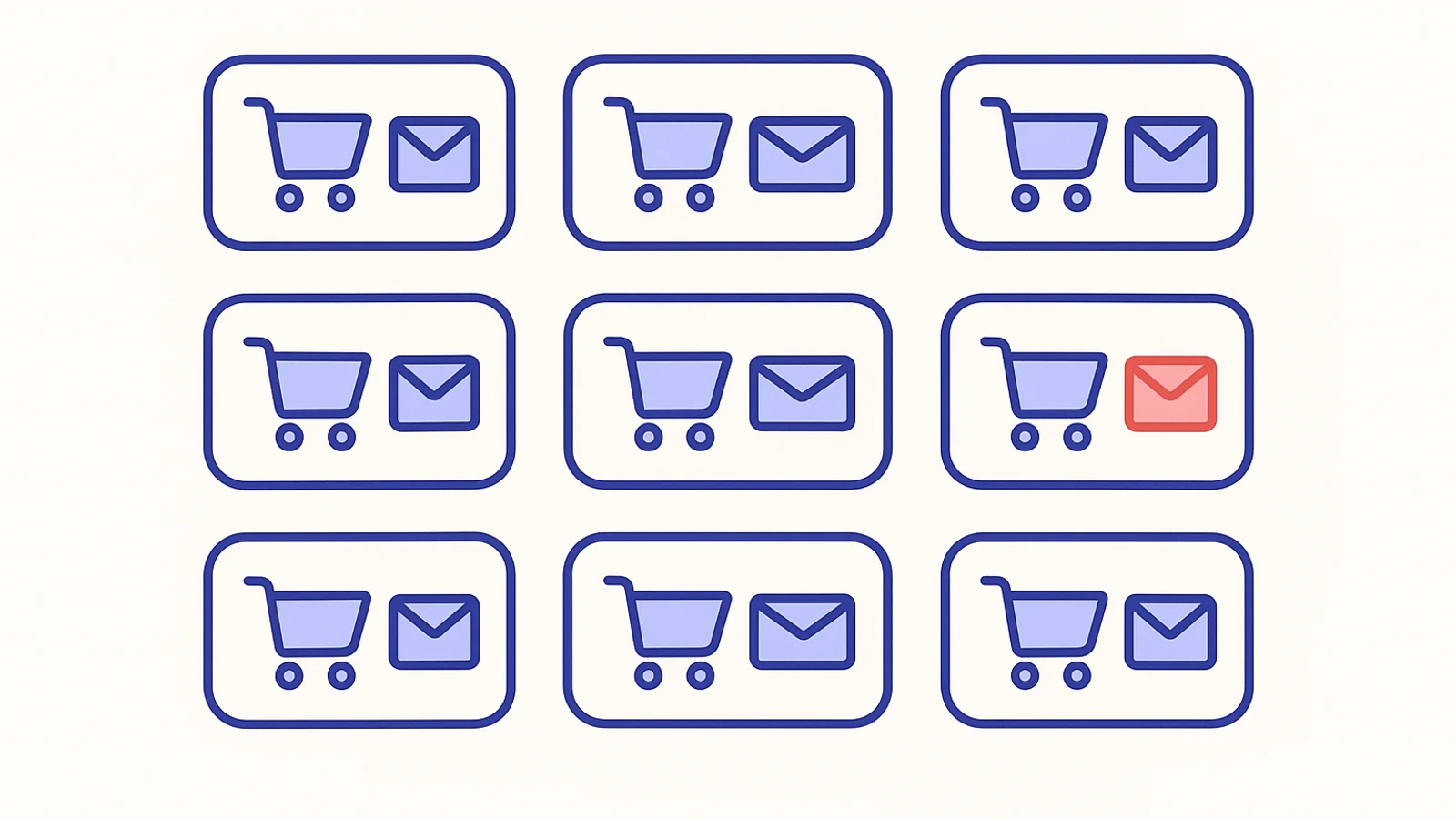
On r/shopify in late August, a solo merchant posted a thread that reads like a quiet confession. They had built a Shopify Flow to send abandoned cart emails. They had designed the template, written the copy, picked a discount code, and let the thing run. The next week, they opened the activity log and found zero sends on roughly a hundred abandoned checkouts. They asked whether this was a bug. The replies were sharper than usual, and they all converged on the same answer: this is not a bug. This is one of three systems you could have picked, and you picked the one that reaches almost nobody.
That thread is one of about twenty I read while writing this. The confusion in it is the same confusion I see on help1's chat with new merchants every week. There is more than one Shopify abandoned cart email path, and the three paths behave differently enough that choosing the wrong one looks a lot like having no recovery at all.
Quick answer: Shopify has three separate shopify abandoned cart email systems - the native checkout recovery email in Settings, Shopify Flow / Automations, and third-party tools like Klaviyo or Omnisend. Only the first one sends to every checkout starter by default. Build a Flow Abandoned Cart automation without changing a locked recipient field and your send count will stay near zero regardless of how many customers abandon.
The three systems hiding behind one Shopify setting
When a merchant says "the shopify abandoned cart email", they are usually naming one of three different systems without realizing it. Each one lives in a different corner of the admin, each one has its own eligibility rules, and none of them tells you when another is also running or when the two would conflict.
The first is the native checkout recovery email at Settings > Checkout > Abandoned checkouts. Shopify treats this as a transactional notification tied to an in-progress checkout, so it ignores the marketing consent check and sends to every customer who got as far as entering an email at checkout. One email per abandoned session, after a 1, 6, or 10 hour delay. It is enabled by default on every store, which is both its best and its worst feature.
The second is Shopify Flow (now partly rebranded under the Automations tab). If you open Marketing > Automations and pick the Abandoned Cart template, or if you build a Flow that uses the "Send marketing email" action, you are building something Shopify classifies as a marketing email rather than a transactional one. Shopify support staff said this out loud in a 2023 community thread: "Abandoned Cart and Browse Abandonment flows are considered marketing emails because they're not tied to a specific transaction." Marketing emails only reach customers who ticked the marketing opt-in box. On most stores, that is the minority of checkouts, and often a small minority.
The third is a third-party email tool. Klaviyo and Omnisend are the two I run into most. These install their own webhooks, listen for a "Checkout Started" event, and run flows against profiles the tool itself maintains. Their flows can reach people who entered an email at checkout without marketing opt-in, because the trigger is a checkout event rather than a marketing subscription. The catch is that activating one does not turn the first system off. Install Klaviyo on top of the default Settings email and your abandoners get two separate shopify abandoned cart emails within a few hours, one from each system, and nothing in the admin warns you.
| Criterion | Native checkout email | Shopify Flow / Automations | Third-party (Klaviyo / Omnisend) |
|---|---|---|---|
| Where it lives | Settings > Checkout | Marketing > Automations | Separate app |
| Default recipient | All checkout starters | Marketing opt-ins only (locked on Abandoned Cart template) | Checkout starters, filter-dependent |
| Email type | Transactional | Marketing | Marketing, event-triggered |
| Setup time | Already on, 2 minutes to tune | 10-30 minutes | 1-3 hours |
| Monthly cost | Free | Free | $25-150+ at low volume |
| Breaks when | Bots are hitting your checkout | Consent was never collected | Trigger metric is misnamed, theme swap kills tracking, profile has no email |
Where each system lives and how long setup actually takes
Native checkout email. Settings > Checkout. Scroll to Abandoned checkouts. Flip the toggle, pick a delay, done. The template is awful by default (one merchant on the Shopify Community described it as looking like a fifth grader designed it) but it works. Edit the template under Marketing > Email templates > Abandoned checkout if you want to improve the copy. End to end, two minutes.
Shopify Flow / Automations. Marketing > Automations. Pick the Abandoned Cart template or build from scratch. You will need to design the email, pick a trigger window (the default is around 10 hours), add conditions, and configure the discount code if you want one. If you want a multi-email sequence, you add additional email actions with wait steps between them. End to end: 10 to 30 minutes for a single email, closer to an hour for a three-email sequence.
Third-party tool. Install the app, go through the connection flow, confirm the API scopes, let the pixel or integration seed historical profiles, build the flow in the tool's own flow builder, test it, publish. Omnisend and Klaviyo both ship templates. Setup time in my experience lands between one and three hours. I have never done one in under forty minutes, including on stores I had worked on before.
The time investment does not match the audience reach, which is the point of this comparison. The two-minute native email reaches everyone. The thirty-minute Flow reaches almost nobody. The three-hour Klaviyo build reaches almost everyone, but can quietly stop reaching them when something unrelated to the flow changes.
Who each one actually reaches
Here is where the systems diverge sharply, and here is where most of the diagnostic time I spend on a stalled recovery funnel ends up.
The native checkout email reaches every customer who got to the email step at checkout. Shopify classifies the send as a transactional notification about an incomplete transaction rather than marketing, so the consent check does not apply. The only ways I have seen the native checkout email fail to send are these: the merchant disabled it when they installed Klaviyo and forgot to turn it back on, or a custom checkout extension interfered with the abandonment write.
The Flow Abandoned Cart template only reaches customers with confirmed marketing consent. The recipient field on this specific template is locked. You cannot change it from "Customers subscribed to email marketing" to "All customers" the way you can on the sibling Abandoned Checkout template. Shopify staff have confirmed this across multiple community threads over several years. In practice, on a typical store where the marketing checkbox is unchecked by default at checkout, you are looking at a single-digit percent of your abandoners being eligible. The r/shopify thread I opened this piece with reported zero sends on about a hundred abandoned carts, which is on the extreme end of the distribution but not unusual.
The Flow Abandoned Checkout template (a sibling that merchants often conflate with the Cart one) does support sending to all customers in most accounts. You have to edit the automation and change the recipient setting; the field is editable but not obvious. One merchant in the "Sending Abandoned Cart Mails to Non-Subscribers" thread documented a workaround of building an Abandoned Checkout template and treating it as the cart one, which does reach everyone, at the cost of the semantic muddle that creates in your flow list.
Third-party tools reach whoever their trigger metric lands on. In Klaviyo's case, the trigger is called "Checkout Started" and it fires the moment a customer enters an email address. If you leave Klaviyo's own marketing consent filter on, the flow still only sends to opt-ins. If you relax the filter, the flow sends to the entire checkout starter audience. Omnisend's equivalent flow is "Abandoned Checkout" and behaves similarly. Honestly, I know less about how Klaviyo supports the no-filter configuration than I would like, and the community threads disagree on whether running it that way is a supported or an unsupported config. The one thing I will say with confidence: if you turn that filter off, make sure your terms of service and privacy policy actually permit transactional abandonment outreach to non-subscribers. Shopify treats checkout starters that way; your region or your terms might not.
What quietly breaks in each one
The failure modes are specific. Knowing which of the three systems is active lets you guess the failure mode within one or two questions.
Native checkout email. Breaks when bots are hitting your checkout. Bots scrape your product URLs, submit email addresses at the checkout email step via the unauthenticated API, and abandon before payment. The native email has no conditional logic. It cannot be gated on "has a shipping address" or "has a customer name". It fires on every abandoned checkout, including the bot ones. A merchant in the "Bots abandoned carts are back!" thread on r/shopify in September described their native recovery emails blasting out to junk addresses and wrecking their domain's sender reputation. Another user in the same thread reported 32,000 bot visitors in a single attack. Storefront bot blockers do not help here because the bots never load the storefront; they attack the checkout URL directly. If your store normally has a dozen abandoned checkouts a day and you are suddenly seeing a hundred, assume bots and disable the Settings email until you have a filter.
Shopify Flow. Breaks for the obvious reason, which is the consent wall. The error, if you dig into the activity log, is explicit: "Email not sent because [customer name] is not subscribed to marketing." It also breaks in a less obvious way when the drag-and-drop builder lets you mix section types. A Shopify staff member solved an older forum thread by telling the merchant to swap the "abandoned cart" section type for the "abandoned checkout" section type inside the same email, which was producing an opaque "section does not work with the CHECKOUT type" error on send. You will not see this one at build time. The flow will look green and healthy. It will fail at the moment of each attempted send.
Klaviyo and Omnisend. Three repeat failures. The first is the metric name trap. Klaviyo's Shopify integration creates the trigger metric as "Checkout Started". Developer guides for other platforms sometimes write it as "Started Checkout" with the word order flipped. Build a flow against the wrong name and events arrive at the real metric while your orphaned flow sits attached to a metric that never fires. Zero sends, no error. The second is the no-email profile. If events are pushed from a custom pixel or a server-side integration rather than Klaviyo's own Shopify app, profiles can land in Klaviyo with just a cookie identifier and no email address attached. The flow trigger fires, the send step runs, the send step fails for lack of a destination, and the flow analytics show entries getting skipped without clearly explaining why. The third is the theme-switch tracking break. Omnisend and Klaviyo detect abandoned checkouts through JavaScript the app injects into your theme. On Shopify's own Dawn theme and most well-behaved themes this works. On some third-party themes (a merchant on the Shopify Community wrote up a theme called "Shella" from ThemeForest in May 2025) the way the theme implements AJAX cart calls does not trigger the events the tracking code is listening for. Nothing errors. The dashboard says the embed is present and active. Your shopify abandoned cart email volume just drops the day after the theme change and you cannot tell why unless you know to look at this specific class of issue.
There is a deliverability second-order effect that pulls all three systems together. The native and Flow systems share the Shopify-managed sending infrastructure for your store's domain. If you have been blasting the native email to bot junk inboxes for a week, your sender reputation drops, and the legitimate sends from your other flows start landing in spam. The damage from a bot attack on an unfiltered native email outlasts the attack itself, sometimes by weeks.
What to pick, based on where you are
If you just opened your store, do not have a paid email tool yet, and do not want to think about this for another month: keep the native checkout email on, do not build a Flow abandoned cart, do not install Klaviyo yet. You will send one recovery email per abandonment to every customer who got far enough to enter an email at checkout. That is good enough for the first month, and it is close to free.
If you have been running for a few months, have a growing marketing list, and want multi-step recovery (reminder, then nudge, then discount): install Klaviyo or Omnisend. Build the abandoned checkout flow there. Then go to Settings > Checkout > Abandoned checkouts and turn the native email off so you stop double-sending. If you want someone to look at your shopify abandoned cart setup before you flip the toggles, the first 15 minutes with a help1 expert is free and this specific misconfiguration is the one I check for most often.
If you want a free, native, multi-step sequence without a paid tool: skip the Abandoned Cart template, use the Abandoned Checkout template under Marketing > Automations instead, change the recipient to "All customers", and build the sequence there. This works for most accounts. Not all. Some merchants still report the recipient field is locked for them, which has been the case inconsistently from 2023 through 2026. If yours is locked, your options are one native email or paying for Klaviyo.
If you are running a Shopify Flow abandoned cart today and the send count is at or near zero: delete that flow. Not disable, delete. Keeping a disabled-but-visible flow around gives you the false comfort that recovery is running when it is reaching almost no one. Either switch to the Abandoned Checkout template with "All customers", or move to a third-party tool, or go back to the native email on its own. Any of the three is better than a Flow that reports success and sends nothing.
A note on bots, because this one has been getting worse through 2026. If your abandoned checkout count has spiked without a matching spike in real orders, assume bot traffic before you assume anything else. Shopify's own documentation does not surface this scenario. The pattern is detectable in the admin: open the abandoned checkout list and count how many entries have no shipping address, no phone, no customer name, just an email. If most of them look like that, your recovery sends are going to junk inboxes. Disable the native email until you have a filter in place, or move the sequence into Flow with a "has shipping address" condition on the send step.
The ten-minute version
Open Settings > Checkout and note what the native Abandoned Checkouts email is set to. Open Marketing > Automations and read down the list of active workflows for anything with "abandoned" in the name. Open your third-party email app, if you have one, and find the abandoned checkout flow and look at its send count for the last thirty days. If more than one of those three is active and sending, you are either doubling up on real customers or you have a conflict waiting to show up in a sender reputation report. Pick one lane, turn the others off, and check back in a week with the send count against the abandoned checkout count from the same window. The gap between those two numbers is where your real recovery problem lives. The older piece on the specific case where the flow is right but the audience is wrong covers one half of that gap in more detail.
Still stuck? Talk to an expert.
Our vetted Shopify experts can fix this issue for you in a live session. $39 per session. Your first 15 minutes are free.