Shopify Checkout Monitoring Watches the Storefront, Not Checkout
Most shopify checkout monitoring tells you the homepage is up. That is not the thing that makes you money. Here is what to watch instead.
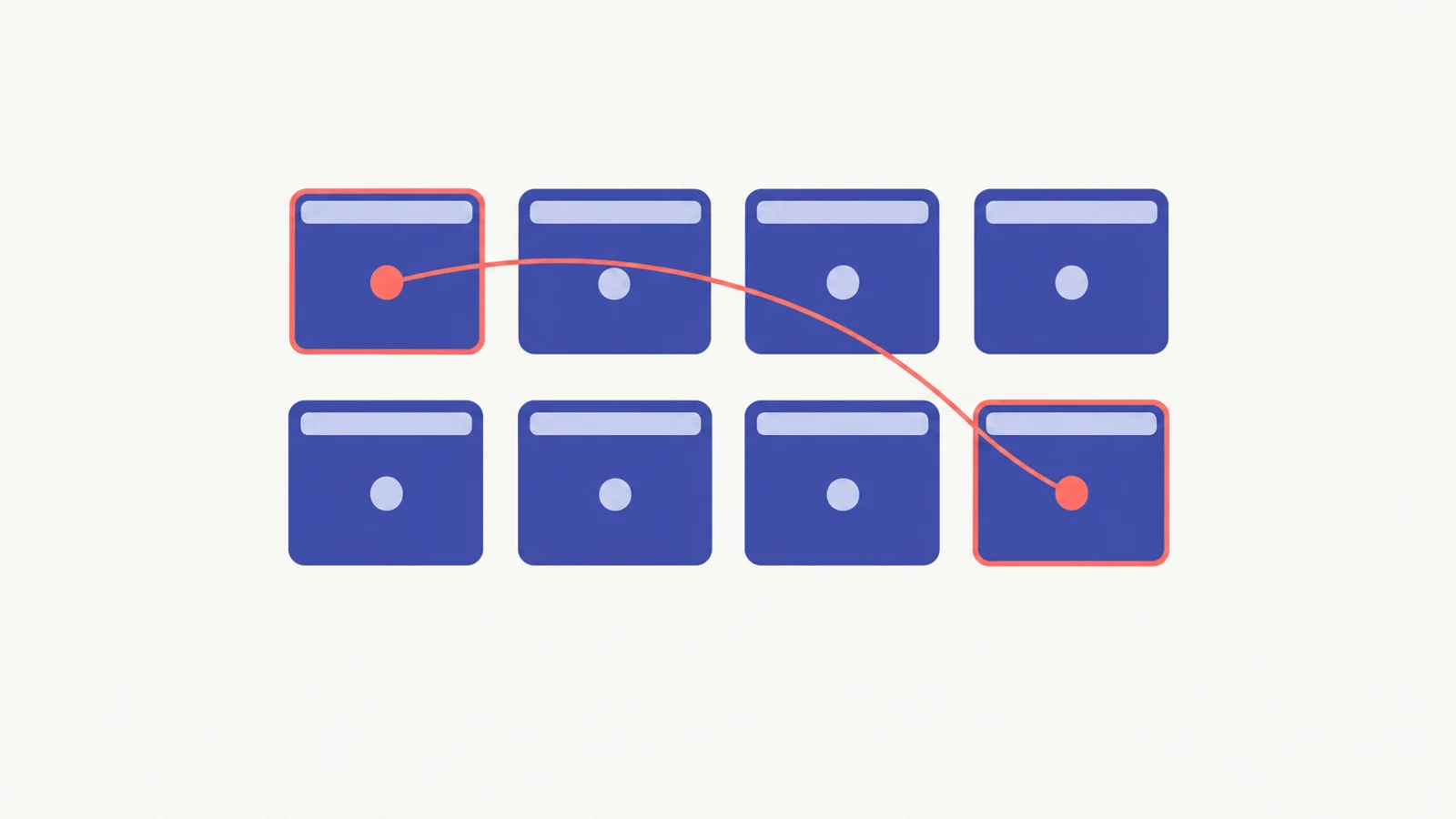
Every few weeks, someone posts the same shape of question on r/shopify or the Shopify Community. The storefront is up. The admin is green. Google Analytics still shows traffic. Sales are at zero. A trickle of customer emails arrives over the course of a day asking why the Pay button does nothing, and the merchant has been sitting with the problem for 90 minutes to 48 hours before noticing on their own. A recent write-up on dev.to put it bluntly: Pingdom reported checkout as healthy for two full days while the payment gateway's AJAX layer was silently timing out.
If you have been nodding along to the standard advice about shopify checkout monitoring - "set up Pingdom, watch the status page, trust your uptime pingers" - we would like you to stop. Those are the wrong signals, and this is the week to say it out loud. BFCM 2026 is 19 days away, and Shopify shipped a 38-minute checkout incident on November 7 that did not surface on most third-party dashboards until the window had already closed.
So here is the take: the monitoring layers most Shopify merchants think they have are all measuring the storefront. None of them measure checkout. We see the gap every week in the help1 queue, and we think it is going to cost somebody their Black Friday if we do not say so plainly.
What most shopify checkout monitoring actually tracks
Open any "how to monitor your Shopify store" guide from the last three years and you will find roughly the same stack. An uptime monitor like Pingdom, UptimeRobot, or Better Uptime pinging the homepage every 1 to 5 minutes and alerting on a non-200 response. A subscription to the Shopify status page at shopifystatus.com. A Google Analytics or Shopify Analytics tab the merchant checks "when they remember." If the store is a little bigger, a Shopify Flow rule that emails when hourly orders fall below a threshold.
That stack exists because it is free and maps onto the mental model of a website that is either up or down. For a plain content site, it would be plenty. For Shopify, it has one specific blind spot we think is the biggest gap in a solo merchant's operations right now.
Why the status page is wrong for this
The Shopify status page is the receipt, not the alarm. Its own disclaimer admits it: "some issues affecting a small percentage of stores may not be reflected here." Third-party aggregators logged 137 separate Shopify outages between January 2025 and October 2026. Several - the July 22 Stripe checkout failure that killed credit card forms for about two hours, the September 2 Klarna degradation that ran for roughly seven hours - did not surface on Shopify's own public page in a way the affected merchants could see during the incident. If you offer only Stripe and your Stripe customers cannot pay, your store is down for the people with their wallets open, and shopifystatus.com will cheerfully tell you everything is fine.
The uptime monitor has the same problem by a different route. A merchant posted a story to the Shopify Community in July 2026 that captures it: his storefront had been password-protected the whole time. Shopify's password page returns HTTP 200. Every uptime pinger reports green on a 200. He spent a full day building a checkout test before noticing his own password gate. Pingers measure one thing: can a server somewhere answer a request. They do not measure whether a customer can buy anything.
The HTTP 200 problem compounds the moment you leave the homepage. On the dev.to case, the checkout page itself loaded. The Pay button rendered. The keyword assertions a synthetic test typically runs passed. What was broken lived inside an AJAX call to the payment extension, and no HTTP-level check and no page-content assertion was going to see that. The merchant had a correctly-rendered checkout page for 48 hours that no human was successfully completing. Three customer emails were the only early warning.
Shopify Flow's order-threshold template helps with one specific failure: a total collapse to zero orders during a window large enough that the threshold fires. It is better than nothing, and we recommend it. It is also a lagging indicator by definition, because by the time your orders have fallen below 70% of your hourly rate, you have already lost a chunk of the orders you were going to get. It also does not catch the partial-failure modes we see most often: one shipping zone silently dropping, one payment method failing while the others still work, one variant that goes un-purchasable after an app update. Orders keep flowing. The dashboard looks normal. A real sub-population of your customers is bouncing at the final step.
What shopify checkout monitoring should actually measure
A working Shopify checkout is a chain of about eight interactions. Here is the honest version of what each layer of monitoring does and does not catch:
| What you're watching | What it catches | What it misses |
|---|---|---|
| Homepage HTTP 200 | Hard outages, DNS, cert failures | Everything downstream, including password-gate mode |
| Checkout URL HTTP 200 | Checkout page failing to render | AJAX payment failures, missing shipping rates, variant breaks |
| Hourly order volume | Total outage lasting ~45 minutes or more | Partial outages, single-variant and country-specific failures |
| Browser test that stops before Pay | Rendering bugs, cart bugs, app-conflict JS errors | Gateway failures (the actual payment step is skipped) |
| Real $0.01 test order, refunded | Almost everything a real customer hits | Device-segment failures the test device does not share |
No single layer catches every failure mode. The most useful combination for a solo store doing $1K-$50K per month, in rough order of return on time spent:
- A Shopify Flow rule that alerts on hourly orders falling below about 70% of your typical peak-hour rate. Free, five minutes to set up, catches total collapses.
- A daily look at Analytics > Reports > Conversion rate, specifically the ratio of "reached checkout" to "sessions converted." Not a tool, a habit. A disproportionate drop at that step is the first measurable fingerprint of a checkout-specific problem that order volume alone will miss.
- A real $0.01 test order placed after every theme publish, app install, app update, or payment setting change. Refund it immediately. This is the only check that exercises the full chain including the payment gateway, which is the layer the synthetic tools stop before.
- One subscription to a third-party aggregator - StatusGator or isdown.app, either is fine - in addition to Shopify's own page, so payment-method-specific incidents like the July 22 Stripe failure reach you before Shopify's public comms do.
If you run those four and nothing else, you are already better off than roughly every merchant we have met whose first signal of a checkout break was a customer DM. None of the four is the monitoring you were probably told to install first.
The September 21, 2026 session-measurement change in Shopify Analytics is a separate complication worth flagging. Shopify now filters bot traffic out of session counts, which changes the denominator of the conversion ratio in step 2. We have been telling merchants to treat their pre- and post-September 21 numbers as two different series and to rebuild their "normal" baseline using at least two weeks of post-change data. Any alerting rule that compares today to a 90-day historical average is currently noisy.
When the conventional shopify checkout monitoring stack does work
We are being pointed about this because it matters, not because the old stack is useless. For a store with a developer on staff, running Pingdom on the homepage plus a synthetic browser monitor plus a page-content check plus a dedicated status page subscription is a reasonable Layer 1 and will catch most hard outages fast. The gap we are describing is the one between "I can have someone investigate an anomaly inside an hour" and "I am one of three people in my business and I check analytics at 9 PM when my kids are asleep." For solo and small-team merchants in that second category, the standard monitoring recipe produces false confidence.
If your checkout test regime is "I ran one on launch day in 2024," we will be more direct: place a fresh end-to-end test order on a phone, on mobile data, in a fresh browser session, today. Not an app reinstall. Not a theme audit. A real $1 order you refund as soon as it clears. If something about the result makes you uncomfortable and you want a second pair of eyes before BFCM, help1's expert chat is where you can get one. The first 15 minutes are free, and for this specific pattern that is usually enough time to isolate which layer of the checkout chain is failing.
For merchants who want shopify checkout monitoring that runs while they sleep, the help1 diagnostic app flags the password-gate case and the "one payment method quietly off" case on install - the two detection gaps we see most often in the queue. It is not a substitute for a real test order. It is a smoke detector while you sleep.
The take, stated plainly
Nothing in the standard "how do I monitor my Shopify store" answer is wrong in isolation. It is wrong in composition. The storefront being up, the status page being green, and Pingdom reporting no incidents are three variations of the same signal: the server is answering. They measure the thing that is almost never the problem, and they do not measure the thing that routinely is. If the only time you learn checkout is broken is from a customer who bothered to write in, you have a monitoring problem, not a checkout problem.
So name the last time you placed a real $0.01 order on your own store from a device that is not your usual testing laptop. If the answer is "before my last theme update" or "I don't remember," what is the signal you are actually relying on between now and November 27?
Still stuck? Talk to an expert.
Our vetted Shopify experts can fix this issue for you in a live session. $39 per session. Your first 15 minutes are free.